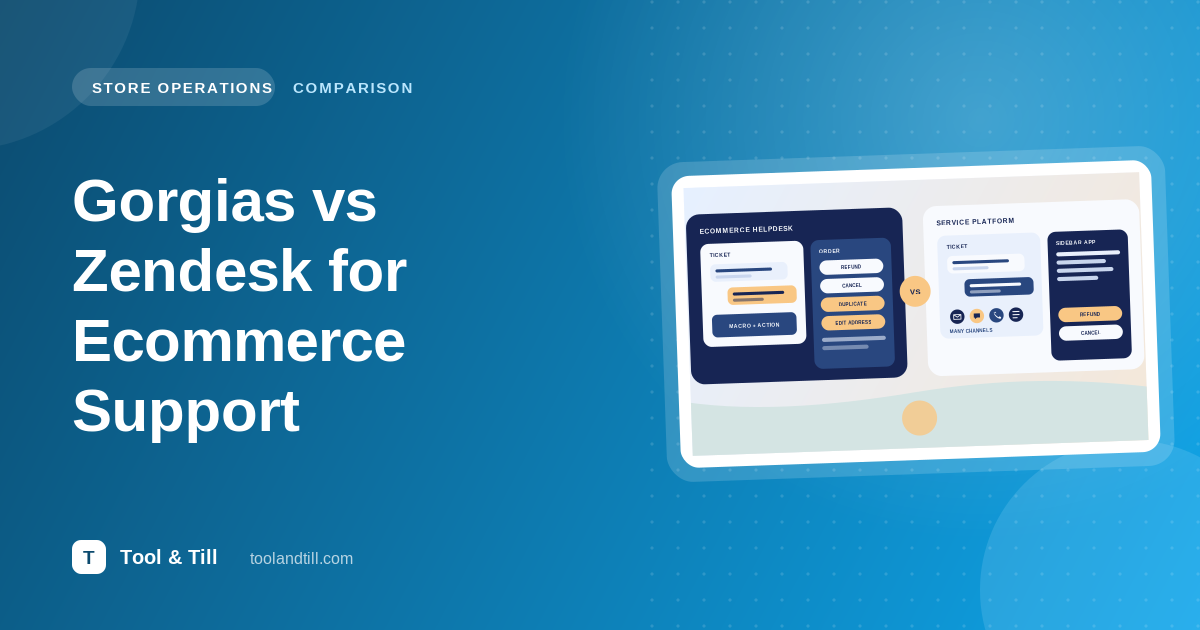
Most small stores start customer support in a shared inbox. Once order questions, returns and social messages pile up, a helpdesk becomes useful: every conversation turns into a ticket, agents see order details next to the message, and repeat answers are saved as templates. Gorgias and Zendesk are two helpdesks that sellers often compare.
They come from different starting points. Gorgias describes itself as a helpdesk built for ecommerce, with Shopify as its main integration. Zendesk is a general customer service platform used across many industries, which connects to Shopify through an integration. This comparison looks at what each one documents for a store team, based on Gorgias and Zendesk help center articles linked in the sources. It does not quote prices or rank either tool.
Quick summary
- Gorgias documents a wide set of Shopify order actions inside the helpdesk, such as cancelling, duplicating, editing the shipping address and partially refunding, mostly run through macros.
- Zendesk documents a Shopify sidebar app that shows order details and lets agents refund or cancel orders, alongside a broad set of channels and business rules used by support teams of every kind.
If your support work is mostly "where is my order" and order changes on Shopify, compare the order actions closely. If you also support other products, teams or channels, compare the wider platform.
Store integrations
Gorgias's order management page lists Shopify, BigCommerce, Magento and WooCommerce. Its Shopify documentation says connecting any supported platform shows customer profiles and order history in the sidebar, while Shopify offers an expanded set of capabilities. Gorgias also says multiple Shopify stores can connect to one account.
Zendesk's Shopify for Zendesk listing says the integration works with Shopify and Shopify Plus, and its setup article explains how to connect more than one storefront. Zendesk's help center notes that the integration requires certain Support plans, so check your plan before relying on it.
What agents see in a ticket
Gorgias: the Shopify integration adds order history, lifetime spend and customer tags to the customer profile, along with fulfillment status and order notes. Gorgias says customer notes sync both ways with Shopify.
Zendesk: the sidebar app shows an order summary, and the expanded view includes order date and value, customer notes, payment status, fulfillment status and shipment tracking numbers. Order details include line items, notes and a payment breakdown. Zendesk notes that data is matched on the requester's email or phone, and a new ticket must be saved with a requester before Shopify data appears.
Order actions from the helpdesk
This is where the documentation differs most.
Gorgias lists Shopify macro actions including cancel order, duplicate last order, edit last order's shipping address, refund last order's shipping cost and partially refund last order. Its macro help page says macros can be used to duplicate, cancel, refund and edit orders, so a reply and an order change can happen in one click.
Zendesk documents refunds for unfulfilled or fulfilled orders, full or partial, with options to restock items and refund shipping, plus cancellation of unfulfilled orders with a reason. After a refund or cancellation it adds tags to the ticket. The articles we reviewed do not describe duplicating or editing orders from the sidebar.
Templates and automation
Both use macros for saved replies and actions.
- Gorgias macros combine response text, tags and actions, including Shopify actions, and can use Shopify variables. Gorgias rules run actions automatically on triggers such as ticket created or new message, with conditions on channel, tags or customer data.
- Zendesk macros are prepared responses or actions agents apply manually, with placeholders such as the requester's name. Zendesk triggers are business rules that run when a ticket is created or updated and perform actions when conditions are met.
Channels
Gorgias says it handles email, live chat, social messages, phone calls and SMS, with availability depending on plan and add-ons. It also lists a help center and contact form.
Zendesk's channels article lists email, help center, web and mobile messaging, social messaging, voice, text, live chat, the Web Widget, a mobile SDK, the API and channel integrations. All requests become tickets whatever the channel. Its Shopify setup article also notes that Zendesk Chat is being retired, with messaging replacing the classic widget.
AI and self-service
Gorgias documents an AI Agent trained on the brand's policies, website and Shopify data, sold separately, and AI-generated help center article drafts based on past tickets. Zendesk offers AI features too, but they sit outside the articles we reviewed, so check Zendesk's current documentation for your plan. For a vendor-neutral process, our AI chatbot setup checklist covers what to prepare before turning any bot on.
Comparison at a glance
| Area | Gorgias | Zendesk |
|---|---|---|
| Starting point | Ecommerce helpdesk | General customer service platform |
| Shopify order view | Order history, spend, tags, fulfillment | Order summary, payment, fulfillment, tracking |
| Order actions | Cancel, duplicate, edit address, refunds | Refund and cancel |
| Automation | Macros and rules | Macros and triggers |
Checklist for choosing
- List the order questions you answer most often and the actions each needs.
- Check which store platforms you need connected now and next year.
- Confirm the channels you support today, including phone and social.
- Check which features need a specific plan or add-on on each side.
- Ask whether other teams, such as IT or wholesale, will share the helpdesk.
- Plan how existing tickets and saved replies will move over.
- Decide who on your team will maintain macros and rules.
If you are still building your app stack, see our guide to essential Shopify app categories for new stores.
FAQ
Can I refund a Shopify order without leaving the helpdesk?
Both document it. Gorgias lists refund actions in its Shopify macros, and Zendesk's sidebar app supports full or partial refunds with restock and shipping options.
Does Zendesk work only with Shopify?
The Zendesk articles we reviewed cover the Shopify integration. Zendesk also lists an API and channel integrations, so check its marketplace for your platform.
Do I need the AI features?
No. Both helpdesks work with macros and rules alone. AI features are an extra layer and Gorgias sells its AI Agent separately.
Can I move from one to the other later?
Gorgias's documentation mentions importing tickets from Zendesk for its AI article suggestions. For a full migration, check each vendor's current import options.
About this comparison
This comparison is based on Gorgias and Zendesk help center documentation and product pages, listed below. We have not tested either helpdesk for this article, so it is not a hands-on review. Features and plan requirements change, so confirm details with each vendor before you decide.