Disclosure: Tool & Till earns a commission if you sign up for Printful through links in this guide. It costs you nothing extra. Prices and plan details below come from Printful's own pricing page, checked in November 2026.
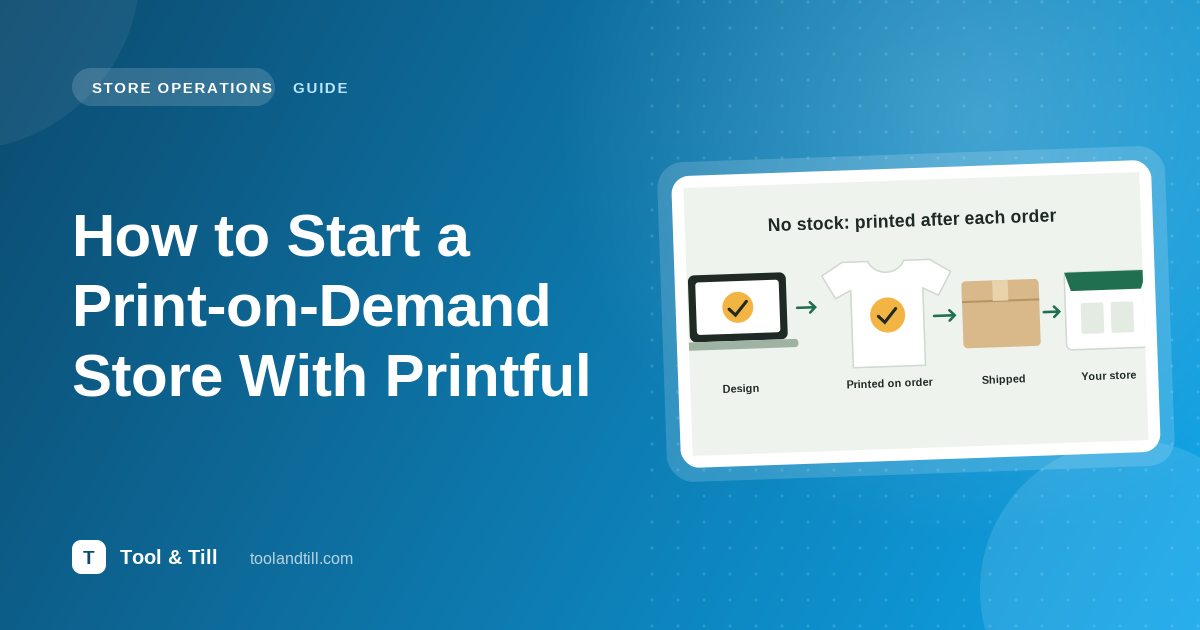
Print-on-demand (POD) lets you sell t-shirts, mugs, posters and other printed products without buying stock. A customer orders from your store, the POD company prints the item, packs it and ships it under your store's name, and you keep the difference between your retail price and what the POD company charges. Printful is one of the largest POD companies, and this guide walks through setting up a first store with it, from the account to the first test order.
How Printful charges you
Printful has no monthly fee on its Free plan. You pay for a product only when a customer orders it: the catalogue price of the item, plus shipping and taxes. There are no upfront costs for adding products or connecting a store.
There is also a paid plan, Printful Growth, at $24.99 a month. It gives up to 33% off product prices, 9% off branding (such as printed labels) and 25% off sample orders, compared with 20% off samples on the Free plan. Printful waives the Growth fee once your store reaches $12,000 a year in sales. For a new store, the Free plan is the sensible starting point: the Growth discount only pays for itself once you have steady monthly orders.
Extra costs to know about before you price your products:
- Additional print placements, such as a sleeve print as well as the front.
- Embroidery digitisation, a one-time fee per new embroidery design.
- Custom labels and branded packaging, which are optional but add to each order.
- Shipping, which your customer usually pays, but which you need to show clearly at checkout.
Step 1: Pick a narrow niche
The most common reason a new POD store fails is not the supplier but the idea. A shop selling "funny t-shirts" competes with millions of listings. A shop selling designs for one hobby, profession or community (trail runners, school nurses, sourdough bakers) has a clear audience and clear search terms.
A quick test for a niche:
- Can you name three places online where these people gather?
- Do they already buy products that show the identity, such as stickers, mugs or hoodies?
- Can you come up with 20 design ideas without repeating yourself?
If the answer to all three is yes, the niche is worth testing.
Step 2: Choose where you will sell
Printful connects to the main ecommerce platforms and marketplaces, including Shopify, WooCommerce, Wix, Squarespace, BigCommerce, Etsy, Amazon, eBay and TikTok Shop. The choice shapes how you find customers:
- Etsy brings built-in search traffic, which helps when you have no audience yet, but you compete with many similar shops and pay Etsy's listing and transaction fees.
- Shopify or WooCommerce gives you your own store and brand, but you have to bring the traffic yourself, through social media, search or ads.
- TikTok Shop suits niches that work well in short videos.
Many sellers start on Etsy to test designs, then open their own store once they know what sells.
Step 3: Create the account and connect your store
- Create a free account on Printful.
- In the dashboard, open Stores and choose your platform.
- Approve the permissions Printful asks for. For Shopify and Etsy, this lets Printful receive orders automatically and send tracking numbers back.
- Set your billing method in Printful. When an order arrives, Printful charges you for production and shipping, separately from what your customer paid you.
That last point matters for cash flow: you pay Printful when the order is placed, but marketplaces such as Etsy may hold your payout for a few days. Keep a small buffer in the account you use for Printful charges.
Step 4: Add your first products
Start with three to five products rather than fifty. A good first set is one t-shirt, one hoodie or sweatshirt, one mug and one poster or sticker, each with your strongest design.
For each product:
- Upload a high-resolution file. Printful's design maker shows a warning if the image is too small for the print area.
- Use the mockup generator to create product photos. Choose mockups that show the product in use, not only on a flat background.
- Check the print area. A design that looks good on screen can sit too high or too low on a shirt.
- Write your own product description. Copying the default text leaves you with the same wording as thousands of other shops.
Step 5: Price for profit
Work out your margin from the full cost, not just the product price. For each product, add up:
- the Printful product price,
- any extra placements or labels,
- the platform's fees (Etsy listing, transaction and payment fees, or your Shopify plan and payment fees),
- and, if you offer free shipping, the shipping cost.
Then set a retail price that leaves a margin you can live with after all of that. Many POD sellers aim for a margin of at least a third of the retail price on apparel. If the numbers do not work at a price your niche will pay, try a different product type rather than cutting the margin to almost nothing.
Printful also shows estimated profit when you set the retail price in the dashboard, which is a useful check.
Step 6: Order samples before you launch
Order a sample of each product before you start selling. On the Free plan you get 20% off samples, and you can place one sample order a month with up to three items. A sample tells you how the colours print, how the fabric feels and how long delivery really takes. You can also photograph samples yourself, which almost always looks better than a generated mockup.
Step 7: Launch and get the first sales
With products live, the work shifts to getting people to see them:
- On Etsy, put the main search terms in your titles and tags, and add all available photo slots.
- On your own store, post your designs in the communities you identified in Step 1, start an email list, and consider small paid tests once a product has sold organically.
- Track what sells. After 30 days, drop the designs that got no interest and make variations of the ones that did.
Common mistakes
- Launching with too many products. It spreads your attention and your sample budget.
- Using only default mockups. They make the shop look like every other POD store.
- Ignoring shipping time. POD orders take longer than products shipped from stock, so state realistic delivery times on your store.
- Forgetting returns. Printful has its own policy on misprints and damaged items; read it and write a matching returns policy for your store.
Is Printful the right choice?
Printful suits sellers who care about consistent quality and branding, because it produces most orders in its own facilities and offers options such as custom labels and packaging. Its products tend to cost more than on Printify, which is a marketplace of independent print providers. If lowest cost per item is your priority, read our Printful vs Printify comparison before you decide.
If you want to start now, the Free plan lets you connect a store, design products and order samples without a monthly fee. Create a free Printful account and begin with your three to five strongest designs.