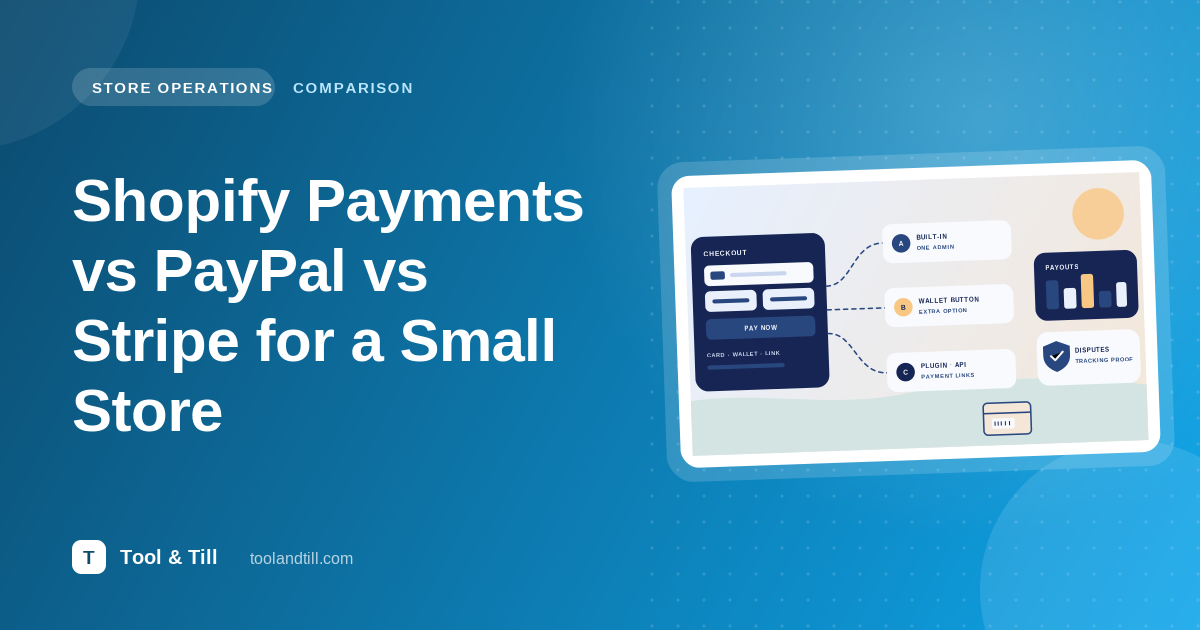
Choosing how to take payments is one of the first real decisions when you open an online store, and it is easy to get confused because the three names you hear most often are not the same kind of product. Shopify Payments is built into one platform. PayPal is a wallet and checkout button that works almost everywhere. Stripe is a payments platform that other tools plug into.
This comparison uses Shopify's help center, PayPal's developer and Seller Protection pages, and Stripe's and WooCommerce's documentation, linked in the sources. It does not quote processing fees or transaction fees: they differ by country, plan and payment method and change often, so check each provider's current pricing page for your account.
Quick summary
- Shopify Payments is the default card processor for Shopify stores in supported countries. It only exists inside Shopify.
- PayPal is usually an extra checkout option next to cards, and it can be connected to almost any store platform.
- Stripe is the common card processor for WooCommerce and custom sites, and it also offers no-code Payment Links.
The platform you sell on narrows the choice more than any feature list. Decide on the store platform first, then pick the payment setup that platform supports.
If you are still choosing a platform, start with our Shopify vs WooCommerce comparison.
Which option your store can actually use
On Shopify
Shopify's help center says Shopify Payments is available only to stores based in supported countries, and each country has its own requirements page for business and bank details. If your country is not on the list, you use a third-party provider instead.
Stripe is a special case. In Shopify Community threads, Shopify staff explain that Shopify Payments is built on Stripe, so Stripe is not offered as a separate provider in regions where Shopify Payments is available, and the two cannot be used at the same time. If you sell on Shopify in a supported country, the practical choice is Shopify Payments plus, usually, PayPal.
Shopify's help center also says each new store gets a PayPal Express Checkout account automatically, linked to the email you use to sign in. To issue refunds and use the full feature set, you complete the PayPal business account setup.
On WooCommerce or a custom site
There is no Shopify Payments here. WooCommerce documents an official Stripe extension, and PayPal publishes its own checkout integration. Many WooCommerce stores run both: Stripe for cards and wallets, PayPal as a second button. If you are still picking a host for WordPress, see our WooCommerce hosting guide.
Without a full store
Stripe documents Payment Links, which let you share or embed a link to a Stripe-hosted payment page without building a website. This suits a pre-order, a workshop or a single product before you commit to a store platform.
Checkout experience
Shopify Payments
Cards are taken inside Shopify's own checkout, and orders, payouts and disputes sit in the same Shopify admin. For a small team, one place to look is the main advantage.
PayPal
PayPal's developer docs describe buttons for PayPal, cards, Pay Later and Venmo through its JavaScript SDK. Pay Later offers depend on merchant eligibility and differ by country, and the Venmo button applies to US buyers.
Stripe
Stripe supports cards and other methods, including its Link saved-details checkout. WooCommerce's Stripe documentation explains how to enable Apple Pay and Google Pay as express checkout buttons. The site must be served over HTTPS, the two wallets share one toggle, and you can choose whether the buttons appear on product, cart and checkout pages.
Payouts
Shopify's US help pages say payouts go to a Shopify Balance account or an eligible external bank account, and two-step authentication must be turned on or payouts can be held. PayPal sales land in your PayPal business account. Stripe pays out from your Stripe account to the bank account you add there.
When money arrives in more than one place, reconcile each source separately. Our profit margin guide shows how to fold payment costs into margin per order.
Disputes and fraud
Shopify Payments
Shopify's FAQ and merchant terms say chargebacks are the merchant's responsibility and that Shopify can hold reserves or deduct amounts owed from payouts. You respond to chargebacks in Shopify admin.
PayPal
PayPal's Seller Protection pages set conditions for physical goods. The item generally has to ship to the address on the transaction details page, with an online, verifiable tracking number. For item-not-received claims, a delivered status is needed. PayPal also warns that your carrier and service choice can affect eligibility, especially for international parcels, and that you must answer documentation requests on time.
Stripe
Stripe's docs describe Radar as built-in, real-time fraud screening that needs no extra development. Disputes are handled in the Stripe Dashboard, and Stripe publishes dispute-prevention guidance.
Checklist before you switch payments on
- Confirm which providers your store platform supports in your business country.
- Read the current fee page for each provider and plan; ask whether a third-party transaction fee applies.
- Set up a business (not personal) PayPal account if you add PayPal.
- Add the bank account for payouts and turn on two-step authentication.
- Run a test order with each method and refund it.
- Pick shipping services with tracking that shows a delivered status.
- Write down where each provider's disputes appear, and check them weekly.
- Make sure your refund policy is visible before you take the first order.
FAQ
Can I use Stripe on Shopify?
Shopify staff say Stripe is not offered as a separate provider in regions where Shopify Payments is available, because Shopify Payments is built on Stripe. Check your admin's payment settings for the providers offered in your country.
Do I need PayPal if I already take cards?
Not strictly, but many shoppers look for a PayPal button. It is usually added as a second option rather than a replacement for card payments.
Are there extra fees for using a third-party provider on Shopify?
Shopify's help center says third-party transaction fees can apply when you don't use Shopify Payments, and it documents exemptions for PayPal in some setups. The details depend on your plan and setup, so check Shopify's current fees page.
Which one handles disputes best?
We can't rank that from documentation. Each has its own process, and outcomes depend on your evidence, so keep tracking numbers, delivery confirmations and customer messages for every order.
About this comparison
This comparison is based on official documentation from Shopify, PayPal, Stripe and WooCommerce, plus Shopify Community staff replies, all listed below. We have not processed payments with these providers for this article, so it is not a hands-on review. Availability, features and fees change and vary by country, so confirm current details with each provider before you decide.