Disclosure: Tool & Till earns a commission if you buy a paid Systeme.io plan through links in this guide. Every step below works on the free plan.
You do not need a full online store to sell an ebook, a template pack or a short course. A sales funnel, meaning a short sequence of pages from first visit to payment, is often enough. This guide walks through the setup step by step, using a free funnel builder so the only cost is your time.
We use Systeme.io as the example because its free plan includes funnels, checkout, email and a course area in one account. The same structure works on other funnel tools.
Step 1: Decide exactly what you are selling
Write one sentence that names the product, who it is for and the result it helps with. For example: "A 20-page checklist that helps first-time Etsy sellers price their handmade items."
Then decide:
- Format: PDF, template files, video lessons or a mix.
- Price: a low first price (often a small one-off amount) makes the first sale easier while you collect feedback.
- Delivery: a download link after payment, or access to a course area.
Step 2: Create a free account and pick a funnel template
Create a free Systeme.io account, then create a new funnel and choose a template for selling a digital product. On the free plan you get three funnels, which is enough for:
- A lead magnet funnel (free checklist in exchange for an email address)
- A sales funnel (sales page, checkout, thank-you page)
- One spare for testing
Step 3: Write the sales page
Keep the page short and specific. A structure that works for most small products:
- Headline stating the outcome ("Price your handmade products with confidence").
- Who it is for, and who it is not for.
- What is inside, as a plain list.
- One example or preview (a sample page or a short screen recording).
- Price and a clear button.
- Refund terms written in one or two sentences.
- FAQ answering delivery, format and support questions.
Avoid income or results claims you cannot back up. They hurt trust and can break advertising and consumer rules.
Step 4: Set up checkout and delivery
Connect a payment processor in your account settings (check which providers are available in your country), then create the product and its price. On the thank-you page, deliver the file or grant access to the course area. Test the whole path yourself with a real low-value purchase, then refund it, before you share the link anywhere.
Step 5: Add an email sequence
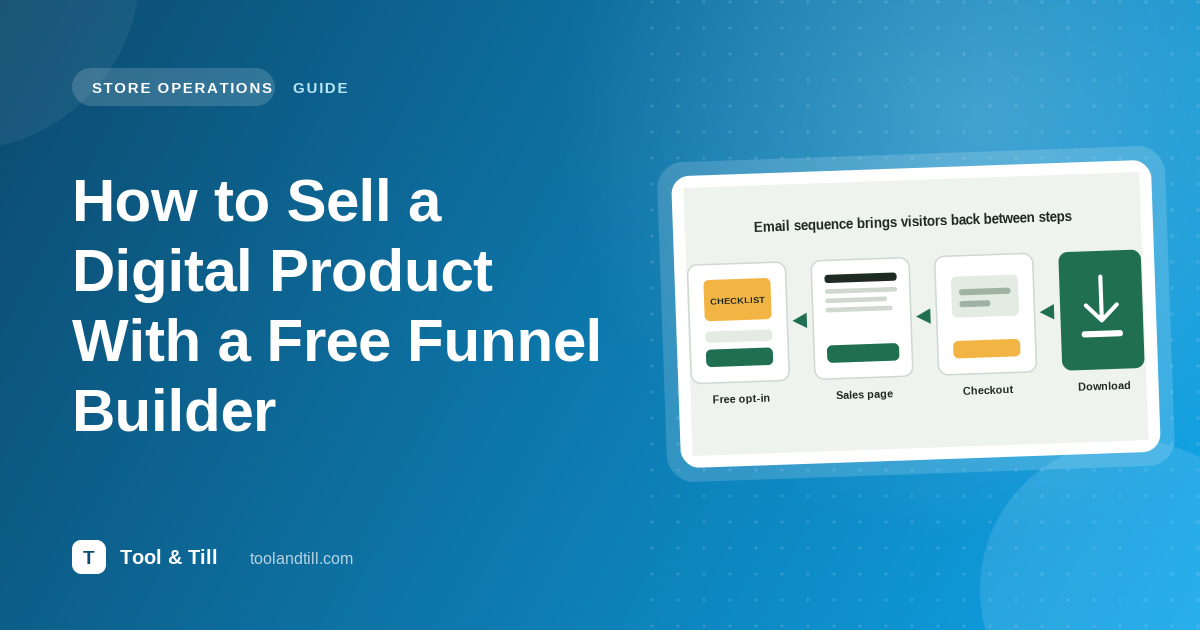
Most buyers do not purchase on their first visit. A short email sequence brings them back:
- Email 1 (immediately): deliver the free checklist from your lead magnet funnel.
- Email 2 (day 2): one practical tip that shows you know the topic.
- Email 3 (day 4): introduce the paid product, with the link to the sales page.
- Email 4 (day 6): answer the most common objection, such as time, price or format.
The free plan includes unlimited email sends for up to 2,000 contacts, which covers this comfortably at the start.
Step 6: Get your first visitors
Start with channels you already have:
- Your bio link on Instagram, TikTok or Pinterest pointing to the lead magnet.
- A Pinterest pin or a blog post that solves one small problem and links to the checklist.
- Communities where the topic is welcome, following each group's rules on self-promotion.
Measure two numbers each week: how many visitors join your list, and how many list members buy.
When to move beyond the free plan
Upgrade when a real limit gets in the way: more than 2,000 contacts, a need for more funnels or courses, or more automation rules. Systeme.io's pricing page lists the Startup plan at $17 per month with a 5,000-contact limit. If you sell physical products with stock and shipping, a store platform is the better tool; see our guide on what to set up before launching a store.
Bottom line
One sales page, one checkout, one lead magnet and four emails are enough to start selling a digital product. Build that first, measure the two numbers above, and add complexity only when the results justify it. You can start with a free Systeme.io account.