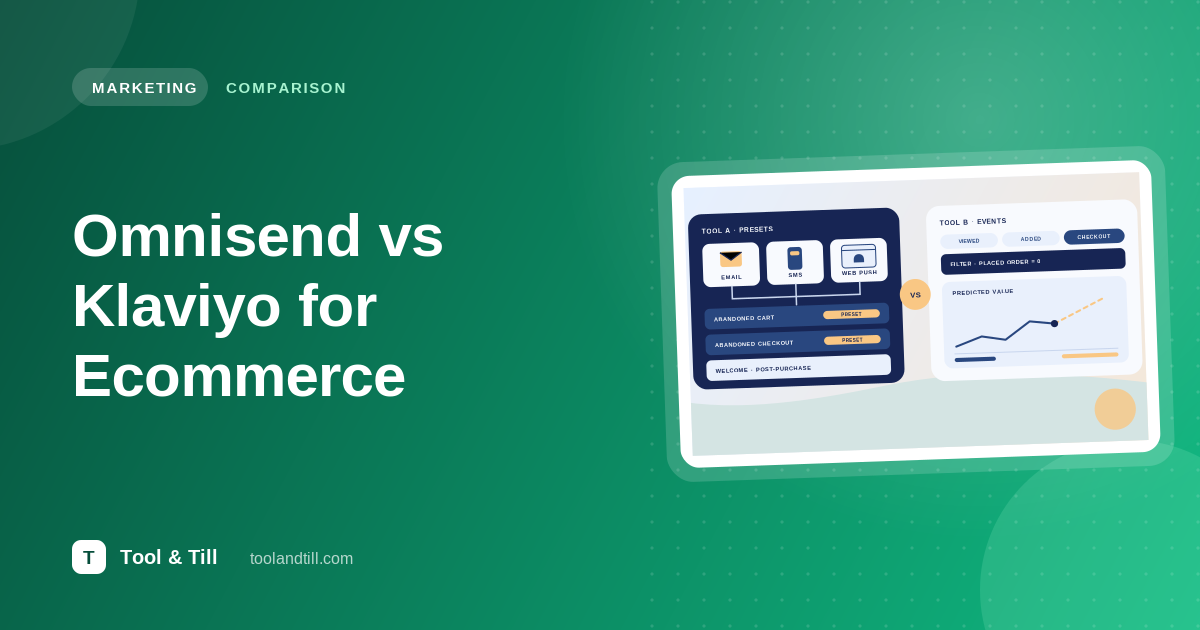
Omnisend and Klaviyo are both built for online stores rather than general newsletters. They connect to your store, pull in customers and orders, and send automated email and SMS based on what shoppers do. On paper they look very similar, so the useful question is where their documentation differs: how they connect, how their prebuilt automations are organised, which push channel they offer and what analytics you get.
This comparison uses Omnisend's support center and Klaviyo's help center and academy, linked in the sources. It does not quote plan prices or contact limits, which change often, so check both pricing pages for your list size.
If you're also weighing a general-purpose tool, see our Klaviyo vs Mailchimp comparison.
Quick summary
- Omnisend packages email, SMS and browser push into preset workflows you can switch on quickly, with separate cart and checkout recovery flows.
- Klaviyo is built around events (metrics) from your store, so you build or adapt flows on those events and get predictive fields once you have enough order history.
If you want a short setup with sensible defaults, look at Omnisend's preset library first. If you expect to build detailed, data-driven flows, look at Klaviyo's metric and filter docs.
Connecting your store
Omnisend
Omnisend's support center lists native integrations with Shopify, WooCommerce, BigCommerce and Wix. For Shopify, BigCommerce and Wix, you click Connect store in Omnisend, enter your store URL and install the Omnisend app from the platform's marketplace. WooCommerce uses an Omnisend plugin. Omnisend also documents a route for custom platforms.
One detail worth knowing before you migrate: Omnisend says each store connects to one Omnisend brand at a time, and if you change store platforms, you create a new brand rather than disconnecting the current store.
Klaviyo
Klaviyo's academy lists Shopify, WooCommerce, BigCommerce and Magento as common ecommerce integrations and says order, abandoned cart and refund data sync into Klaviyo. Its Shopify guide covers importing profiles and orders and turning on onsite tracking and sign-up forms. WooCommerce stores install the Klaviyo extension and enable the integration in Klaviyo.
Automations
Omnisend
Omnisend's help center describes a library of 15+ preset workflows, including Welcome, Abandoned Cart and Post-Purchase, each with recommended triggers, delays and message templates. You can add email, SMS and push steps to the same workflow, and Omnisend checks each contact's subscription status per channel before sending.
For cart recovery, Omnisend separates Abandoned Cart from Abandoned Checkout. Its docs say that when a customer starts checkout, they leave the Abandoned Cart workflow and only receive Abandoned Checkout messages, which prevents duplicates without extra filters.
Klaviyo
Klaviyo flows start from metrics such as Viewed Product, Added to Cart, Started Checkout and Placed Order. Its default abandoned cart flow is triggered by Started Checkout, with a flow filter of Placed Order zero times since starting the flow. If you also run an Added to Cart flow, Klaviyo recommends a Started Checkout filter so shoppers don't get both.
This takes a few more decisions than a preset, but it also means you can see exactly why someone did or didn't receive a message. Our abandoned cart email flow guide walks through these choices step by step.
SMS
Omnisend manages SMS sending countries in store settings. Its docs say some countries need extra verification before sending, high-risk countries are off by default, custom sender names are not supported in markets such as the US and Canada, and some countries, including Australia, require sender ID registration.
Klaviyo publishes a list of countries where its SMS is available, and says that if a country is not listed and doesn't appear during setup, Klaviyo does not support sending SMS or collecting SMS consent there. You choose countries when you set up SMS.
Either way, SMS consent is separate from email consent, so plan how you will collect it.
Push notifications
The two tools mean different things by "push".
- Omnisend offers web push: browser notifications for people who opt in on your site. Its docs say your store must use HTTPS and that push does not work on any browser on iPhone.
- Klaviyo offers mobile push for stores with their own native iOS or Android app, using the Klaviyo SDK. Without an app, this channel does not apply.
Segmentation and analytics
Omnisend's feature pages describe segmentation by behaviour, purchase history, engagement and custom properties, and its email builder includes a product recommender block.
Klaviyo's help center describes predictive analytics on customer profiles, including predicted customer lifetime value. Klaviyo says these predictions appear only once the account has at least 500 customers who have placed an order. For a newer store, that is a feature to grow into rather than a reason to choose on day one. For product blocks in Klaviyo emails, see our guide to Klaviyo product feeds.
Checklist for choosing
- Confirm the native integration for your store platform and read its setup guide.
- List the three automations you need first (usually welcome, abandoned checkout, post-purchase).
- Decide whether you need SMS now, and check each tool's country list for your customers.
- Decide which push channel fits: browser push (no app) or mobile app push.
- Check whether your order history is large enough to use predictive fields.
- Compare current plan limits for contacts and sends on both pricing pages.
- Plan how you will export contacts and consent records if you switch later.
FAQ
Can I move from Omnisend to Klaviyo later, or the other way round?
Yes, both import contacts, but flows and templates don't transfer automatically. Export consent status with your contacts, and rebuild automations in the new tool before switching the old ones off.
Do I need a mobile app for push notifications?
For Klaviyo's mobile push, yes: it needs a native app with the Klaviyo SDK. Omnisend's web push works through the browser on your store, but its docs say it does not work on iPhone browsers.
Which one is better for a brand-new store?
We can't rank them from documentation. A new store with little data may value Omnisend's presets; one planning detailed, event-based flows may prefer Klaviyo. Our guide to choosing an email marketing platform has a broader checklist.
Do both support WooCommerce?
Yes. Omnisend uses a WooCommerce plugin and Klaviyo uses a WooCommerce extension, according to their setup guides.
About this comparison
This comparison is based on Omnisend's and Klaviyo's help centers, academy material and product pages, listed below. We have not run campaigns with either tool for this article, so it is not a hands-on review. Features, channels and plans change, so confirm current details on each vendor's site before you decide.