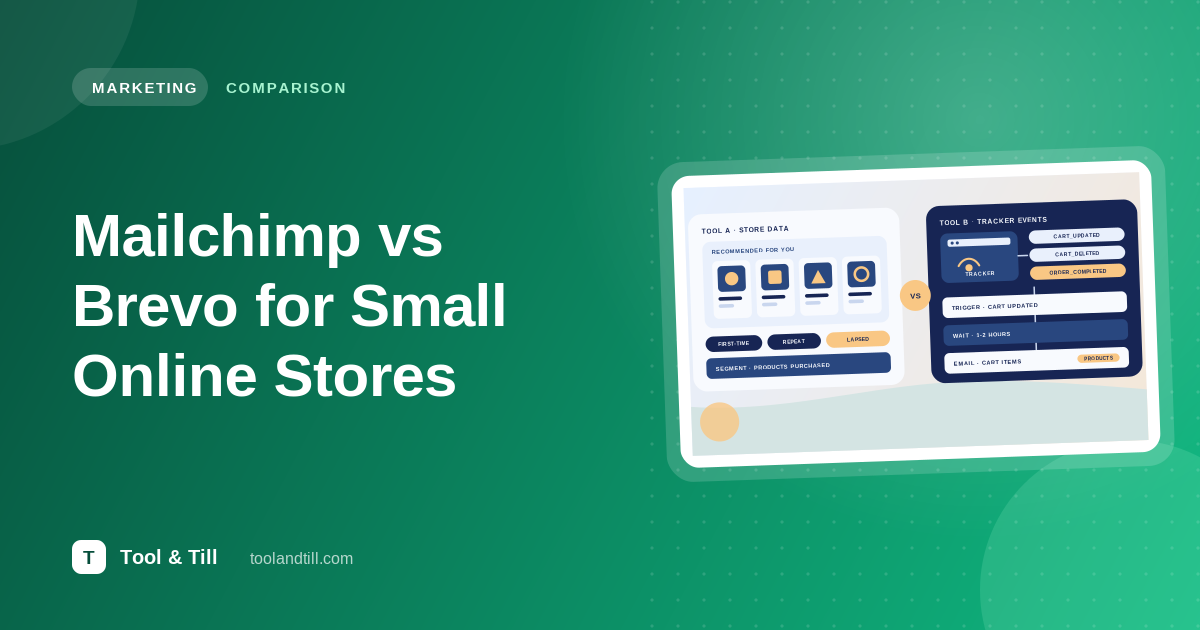
Mailchimp and Brevo are two of the names small store owners meet first when they look for an email tool. Both started as general email platforms and both now connect to ecommerce platforms, sync orders and send automated cart reminders. The differences show up in the details: how each tool connects to your store, what it needs before cart emails work, how product content gets into messages and which other channels sit in the same account.
This comparison is based on Mailchimp's and Brevo's help centers, linked in the sources. It does not quote plan prices or sending limits, which change often. Check both pricing pages for your list size and expected send volume.
If you're also looking at a tool built only for ecommerce, see our Klaviyo vs Mailchimp comparison.
Quick summary
- Mailchimp leans on a connected store for ecommerce features: recommendation blocks, prebuilt purchase segments and abandoned cart flows all depend on it.
- Brevo combines marketing email, SMS, transactional messages and chat in one platform, and its cart automations run on events sent by its website tracker or store integration.
A practical way to decide: list the three automations you need first, then read each tool's setup guide for your exact store platform. The one that fits your platform cleanly is usually the easier start.
Connecting your store
Mailchimp
Mailchimp's help center says to connect your online store first and names Shopify, BigCommerce, WooCommerce and PrestaShop as supported platforms, with more on its Integrations page. Stores on other platforms can use a custom integration through Mailchimp's API 3.0. The Shopify integration page says you can connect more than one Shopify store and that Shopify customer events and segments can be used in Mailchimp. Unique discount codes created in Mailchimp sync back to Shopify.
Brevo
Brevo has a separate route per platform:
- Shopify: Brevo's help center says new connections use the Brevo PushOwl app, which syncs subscribers, products, orders, customers and events such as product viewed, checkout started and abandoned cart.
- WooCommerce: a Brevo plugin syncs contacts and, once enabled, products, categories, orders and customers in real time. Because WooCommerce has no built-in marketing opt-in, the plugin can add an opt-in checkbox at checkout.
- BigCommerce: an app from the BigCommerce marketplace, connected with a Brevo API key, with toggles for each synced object and event.
Abandoned cart emails
Cart recovery is often the first automation a store sets up, so it is worth checking the requirements before you pick a tool. Our abandoned cart email flow guide covers the timing and content decisions in more detail.
Mailchimp
Mailchimp's abandoned cart flow needs a connected, supported store (check the store's Features list on the Integrations page) or a custom API 3.0 integration. You choose the Shopping Activity trigger, then Abandons cart or Abandons cart with specific products, set a wait time and optionally filter who enters. Mailchimp adds a Cart content block and a button linking back to the cart. An abandoned cart trigger can't be combined with another trigger in the same flow.
Brevo
Brevo's abandoned cart guide asks you to install the Brevo tracker and set up three events: cart_updated, cart_deleted and order_completed. You then create the prebuilt Abandoned cart automation, triggered by Cart updated, add a delay and send an email whose default template includes a dynamic block with each item's image, name, price, variant and quantity. Contacts leave the workflow when they buy or remove the item. Brevo's BigCommerce guide recommends creating the cart automation before connecting the store.
Product content and segments
Mailchimp documents product recommendation blocks with three modes: Personalized Recommendations, Best Sellers and New Arrivals. Personalized recommendations need a store with at least 10 products, 50 customers and 500 orders, and Mailchimp says they can take up to seven days to appear after you connect. Its segment builder includes prebuilt groups such as first-time, repeat and lapsed customers, plus conditions on products purchased, total spend, cart and checkout activity.
Brevo's help center describes a Product block in the drag-and-drop editor that is filled from synced product data, and segments built from contact filters such as language, location and behavior. The fetched Brevo documentation does not describe personalized recommendation logic like Mailchimp's, so check Brevo's current editor docs if that matters to you.
Other channels
Mailchimp's Shopify page lists SMS as an add-on to paid plans in select countries, and its cart flow guide says SMS cart reminders need an approved SMS marketing program and allow one text per abandoned cart.
Brevo's WooCommerce plugin covers transactional email through Brevo for store events, transactional SMS for order and shipping updates and SMS campaigns. Its platform overview also lists Conversations (live chat), and the Shopify app adds web push campaigns.
Checklist for choosing
- Confirm the integration for your exact store platform and read its setup guide.
- Check what each tool needs before abandoned cart emails can run.
- Decide whether you need product recommendations based on purchase history, and whether your store has enough order history for them.
- Decide whether order confirmations and shipping messages should come from the same tool.
- Check SMS availability for the countries your customers live in.
- Compare how each plan counts usage, by contacts or by messages sent, on the current pricing pages.
- Plan how you will export contacts and consent records if you switch later.
For a broader set of questions, see our guide to choosing an email marketing platform for a small store.
FAQ
Do Mailchimp and Brevo both work with WooCommerce?
Yes. Mailchimp lists WooCommerce as a supported store, and Brevo documents a WooCommerce plugin that syncs contacts and ecommerce data.
Can Brevo send my store's order confirmation emails?
Brevo's WooCommerce plugin documents sending selected WooCommerce transactional emails through Brevo, plus transactional SMS for order confirmation and shipment.
Why don't I see personalized recommendations in Mailchimp?
Mailchimp's help center says personalized recommendations need at least 10 products, 50 customers and 500 orders. Recipients without purchase history see best sellers instead.
Is either tool free for a new store?
Both offer free entry points, but features differ by plan and change over time. Mailchimp says automation flows are only on paid plans, so check both pricing pages before you build.
About this comparison
This comparison is based on Mailchimp's and Brevo's help center articles and integration pages, listed below. We have not run campaigns with either tool for this article, so it is not a hands-on review. Integrations, plans and features change, so confirm current details on each vendor's site before you decide.