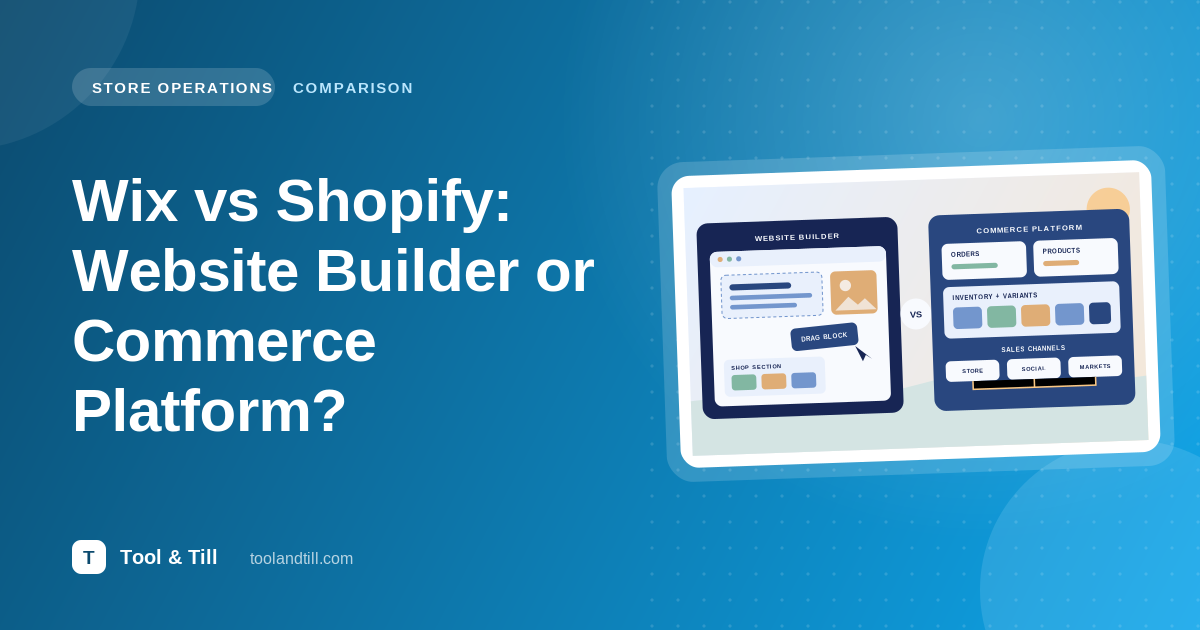
Wix and Shopify both let you build an online store without writing code, so new sellers often compare them side by side. They start from different places, though. Wix is a general website builder: you design a site and add Wix Stores to sell. Shopify is built around commerce: the storefront is one sales channel connected to a central product, order and customer system.
Neither approach is better for everyone. A photographer or a café that sells a few products alongside a portfolio or menu has different needs from a brand that expects to grow a catalog and sell across marketplaces. This comparison is based on each company's help center and documentation, listed in the sources. It does not rank them or compare costs, which change often and depend on plan and region.
The core difference
On Wix, the website comes first. Wix's help center describes Wix Stores as an app you add to a Wix site, and the same site can also run bookings, events, blogs and other Wix apps. That suits businesses where selling products is only part of what the website does.
On Shopify, commerce comes first. Shopify's help center lists the Online Store as one sales channel alongside the Shop app, social and marketplace channels, all drawing on the same products and inventory. That suits sellers who expect selling to be the main job of the business.
Plans and getting paid
Wix
Wix's help center says you can add and set up Wix Stores for free, but customers cannot place orders until the site is upgraded to a Premium plan that accepts payments. Payment methods are then connected on the Accept Payments page in the site dashboard. Not every Premium plan accepts payments, so check the plan comparison before you upgrade.
Shopify
Shopify requires a paid plan to sell. Its help center explains that stores can use Shopify Payments where it is available, or connect a third-party payment provider. When a third-party provider is used, Shopify charges its own transaction fee on top of the provider's fees, and the rate depends on the plan. Check whether Shopify Payments is offered in your country before you compare total costs. Our guide to calculating profit margin for an online store shows where payment fees fit into your numbers.
Catalog and product options
If your products come in many sizes, colours or materials, check variant limits early.
- Wix: a Wix help center request page says products can currently have up to 1,000 variants. Wix also publishes a limits article with recommended guidelines for catalog size, and shows a dashboard notice as you approach a limit.
- Shopify: Shopify's developer changelog says all merchants can now create products with up to 2,048 variants, up from the earlier limit of 100. Its help center says a product can have up to three options, such as size, colour and material. Some themes and apps display fewer variants at once, so check your theme documentation if you plan very large variant sets.
Wix's help center also has a guide to creating a downloadable digital product in Wix Stores, if you sell files as well as physical goods.
Sales channels
Selling beyond your own website is where the commerce-first design of Shopify shows most clearly, but Wix has added channels too.
- Wix documents selling on eBay, Amazon, Facebook, Instagram, TikTok and Google Shopping, managed from the Wix dashboard. More channels are available through apps in the Wix App Market.
- Shopify lists the Online Store and Shop app as built-in channels, plus channel apps for Facebook and Instagram, Google and YouTube, TikTok, marketplaces and more in the Shopify App Store.
Availability differs by country and by account type on the channel's side, so confirm each channel for your market (US, UK, Canada or Australia).
Design and apps
Wix is known for its drag-and-drop editor. Wix's help center also documents Wix Studio, a separate editor; moving a site between editors is handled as a separate branch rather than an in-place switch, so pick your editor before you build.
Shopify stores use themes that you customise with sections and blocks in the theme editor, and most extra features come from apps. Our guide to essential Shopify app categories for new stores covers which apps a new store usually needs.
Both platforms connect to print-on-demand and dropshipping suppliers. Wix's help center names apps such as Printful, Printify, Modalyst and Spocket; Shopify's App Store lists the same kinds of apps. If you plan to use one, our Printful vs Printify comparison explains how they differ.
Checklist before you choose
- Decide whether selling is the main job of the website or one part of it
- Count your products and the largest number of variants any product needs
- List the sales channels you want in the first year (social, Google, marketplaces)
- Check which plan on each platform lets you accept payments in your country
- Check whether Shopify Payments is available to you, or which providers Wix offers
- List the apps you would need for reviews, email, shipping and fulfillment
- Build a test product page on both trials before committing
- Plan how you would export products and customers if you move later
If you are also weighing a self-hosted option, our Shopify vs WooCommerce comparison covers that decision.
FAQ
Can I start selling on a free Wix site?
Wix's help center says you can add and set up Wix Stores for free, but you need to upgrade to a Premium plan that accepts payments before customers can place orders.
Which platform allows more variants per product?
Based on current documentation, Shopify allows up to 2,048 variants per product and Wix up to 1,000. Limits change, so check both help centers before you import a large catalog.
Can I sell on Amazon and eBay from either platform?
Wix's help center documents Amazon and eBay channels. Shopify offers marketplace channels through apps in its App Store. Availability depends on your country and marketplace account.
Is it easy to move from Wix to Shopify later?
Product data can usually be moved, but design, apps and page URLs generally need to be rebuilt, so plan redirects and check each platform's import and export options before you switch.
About this comparison
This comparison is based on Wix's and Shopify's help centers and developer documentation listed below. We have not built test stores for this article, and it is not a hands-on review of performance or support. Plans, limits and channels change, so confirm current details with each platform before you launch.