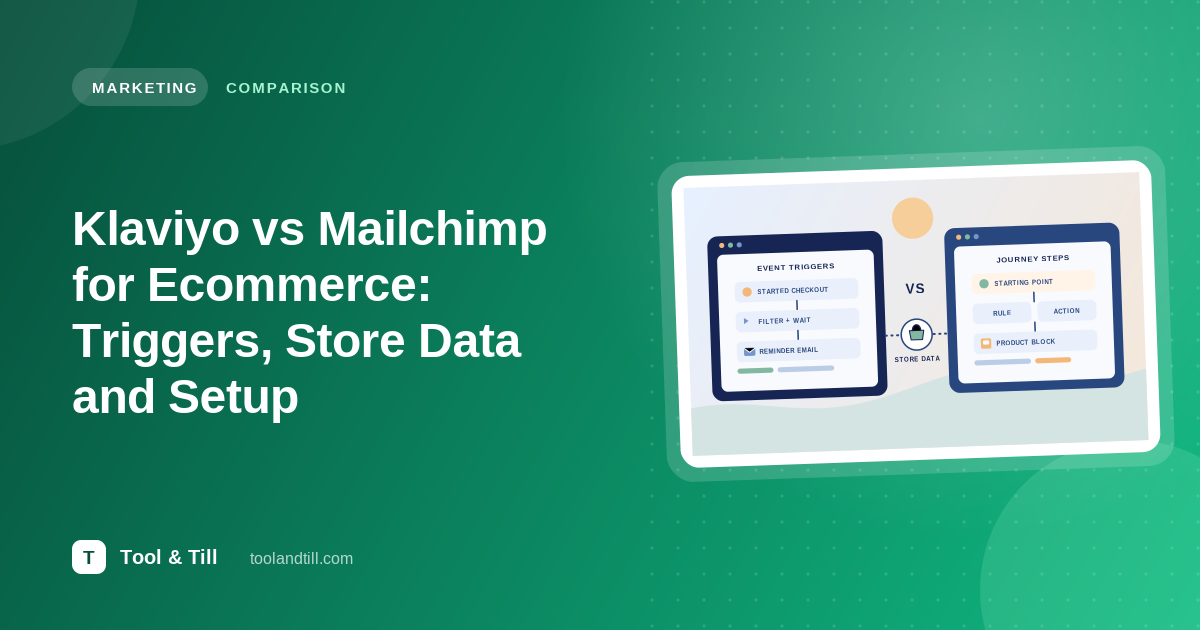
Klaviyo and Mailchimp are two of the email platforms small online stores most often shortlist. Both connect to Shopify and WooCommerce, both can send abandoned-cart reminders, and both can drop products into an email. The differences show up in how each one is organized: what data comes in from your store, what can start an automation, and how much setup you are signing up for.
This comparison uses each vendor's own help documentation. It does not rank the two, quote plan prices, or report deliverability or revenue results. If you are still deciding whether you need a dedicated email platform at all, start with our guide to choosing an email marketing platform for a small store.
How each platform thinks about automation
Klaviyo: flows started by triggers
Klaviyo calls its automations flows. Its Help Center lists the trigger types a flow can start from: a list, a segment, a metric, a date property, and, depending on the account and connected data, price drop or low inventory. A metric is a tracked activity such as Placed Order or Started Checkout, and each occurrence for a person is an event.
A few documented details matter in practice:
- A profile enters a list-triggered flow only once, which is why welcome series are usually list-triggered.
- Not every metric can start a flow; Klaviyo notes that email opens and clicks cannot be selected as flow triggers.
- Trigger filters look at the data from the triggering event, while profile filters look at stored profile properties.
Mailchimp: customer journeys with starting points
Mailchimp builds automations as customer journeys in its automation flow builder. A journey begins with a starting point (the trigger) and continues with rules and actions. Mailchimp documents separate starting points for new email signups and new SMS signups, plus ecommerce starting points such as abandoned cart once a store is connected.
Mailchimp also offers prebuilt journeys, including cart recovery. Its abandoned-cart help article says the automation needs a supported connected store or a custom API 3.0 integration, and that an abandoned-cart trigger can't be combined with another trigger in the same flow.
What syncs from your store
The automation you can build depends on the data that arrives. This is the part worth checking first.
Shopify
Klaviyo's Shopify documentation says that when you first connect, it syncs the most recent 90 days of Shopify data so you can reach recent customers, then starts a complete historical sync. Klaviyo notes the historical sync can take from a few minutes to several days depending on store size.
Mailchimp's Shopify syncing article says existing Shopify customers sync to a Mailchimp audience as contacts, and that subscription status stays aligned in both directions: someone who unsubscribes in one system is unsubscribed in the other. Mailchimp also documents that email and SMS activity can be sent back to Shopify, and that syncing new Mailchimp contacts into Shopify as customers is optional.
WooCommerce
Klaviyo documents a two-part setup: install the Klaviyo extension in WooCommerce, then enable the WooCommerce integration inside Klaviyo. Its help article warns that caching or redirect plugins on WordPress can interfere with the connection.
Mailchimp connects to WooCommerce through the official Mailchimp for WooCommerce plugin listed on WordPress.org, which links to your Mailchimp account through an OAuth sign-in window. The plugin listing recommends running its sync queue in CLI mode for better performance on larger stores.
Abandoned cart and checkout reminders
Both platforms document cart-recovery automations, but they describe the trigger differently.
Klaviyo's default abandoned-cart flow for Shopify is triggered by the Started Checkout event. Klaviyo also documents a separate flow triggered by Added to Cart for shoppers who haven't reached checkout, and recommends a filter so people who did start checkout don't receive both.
Mailchimp's abandoned-cart journey uses a customer cart trigger that can watch for any product or specific products. Mailchimp says abandoned-cart SMS is limited to one message per cart, sent within 48 hours of a contact entering the flow.
Product recommendations in emails
Klaviyo builds recommendations from product feeds that draw on synced catalog and customer activity. We cover how those feeds choose items in our Klaviyo product feeds guide.
Mailchimp offers product and product-recommendation content blocks. Its help documentation says personalized recommendations need the connected store to meet purchase-data requirements; stores without enough data can show best sellers or new arrivals instead. Mailchimp also advises promoting products only from the store connected to the audience receiving the email.
SMS as part of the decision
If text messages are on your roadmap, check eligibility before committing. Mailchimp says SMS marketing is an add-on for paid plans, available in select markets, and requires an approved SMS application before you can buy credits. Rules for SMS consent differ between the US, UK, Canada and Australia, so confirm what each platform supports for your country.
A checklist before you choose
- List the five or six automations you need this year (welcome, cart, checkout, post-purchase, win-back).
- For each one, find the exact trigger in the vendor's help docs and confirm it works with your store platform.
- Check how far back order history syncs and how long the first sync may take.
- Confirm how unsubscribes and consent move between the store and the email tool.
- Decide whether you need personalized product recommendations now or later.
- If you want SMS, confirm country availability and any application step.
- Note who on your team will maintain segments, filters and integrations.
Which direction fits your store?
There is no universal winner. A store that wants automations driven by detailed shopping events, plus catalog-based product feeds, will find that Klaviyo's documentation is organized around exactly that model. A store that wants to start from prebuilt journeys and straightforward Shopify or WooCommerce syncing may find Mailchimp's setup easier to map. If you sell on Shopify, also compare both against the built-in option in our Shopify Messaging vs Klaviyo comparison.
This is a documentation-based comparison, not a hands-on test. We have not measured deliverability, revenue or ease of use, and features, plan availability and integrations change, so confirm current details in each vendor's help center before you migrate a list.