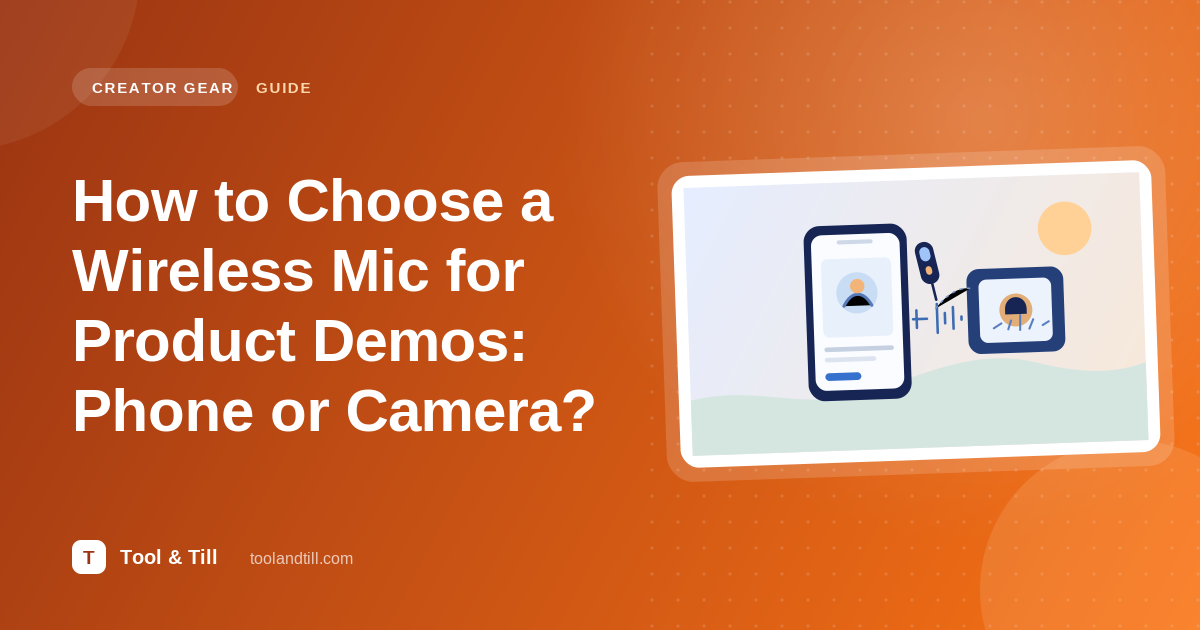
For a product demonstration, start with the device that will record the video. A wireless microphone kit that connects directly to a phone may not include the receiver needed for a camera. Confirm the exact kit and connector before buying.
Match the receiver to the recording device
- For a phone, check whether the receiver matches its USB-C or Lightning port.
- For a camera, verify whether the kit includes a camera receiver and which audio input it uses.
- For a laptop, confirm the receiver or interface is supported by the recording app and operating system.
- Check whether an adapter is needed and whether it is included in the kit.
Decide how many people need a microphone
A single-person demonstration and a two-person conversation need different transmitter counts. Also check the workflow for charging, pairing, wind protection, and storage. These are practical differences to verify in the exact product package; they do not predict sound quality in your room.
Example: RØDE Wireless Micro
RØDE offers the Wireless Micro with USB-C or Lightning phone receivers, depending on the configuration. RØDE lists two transmitters, seven hours of transmitter operating time, and up to 21 hours total with the charging case. RØDE says camera use requires a separate Camera Receiver or Camera Kit. Confirm your operating system and exact SKU before purchase.
Run a short recording check
- Record a short sample in the room where you will film.
- Listen for room noise, clothing rub, clipping, and distance changes.
- Confirm the camera or phone selected the external microphone.
- Keep the microphone close to the speaker and use wind protection when filming outdoors.
- Save a backup recording when the shoot matters.
No wireless mic can fix every room or recording problem. This compatibility guide is based on manufacturer documentation, not a sound-quality test.