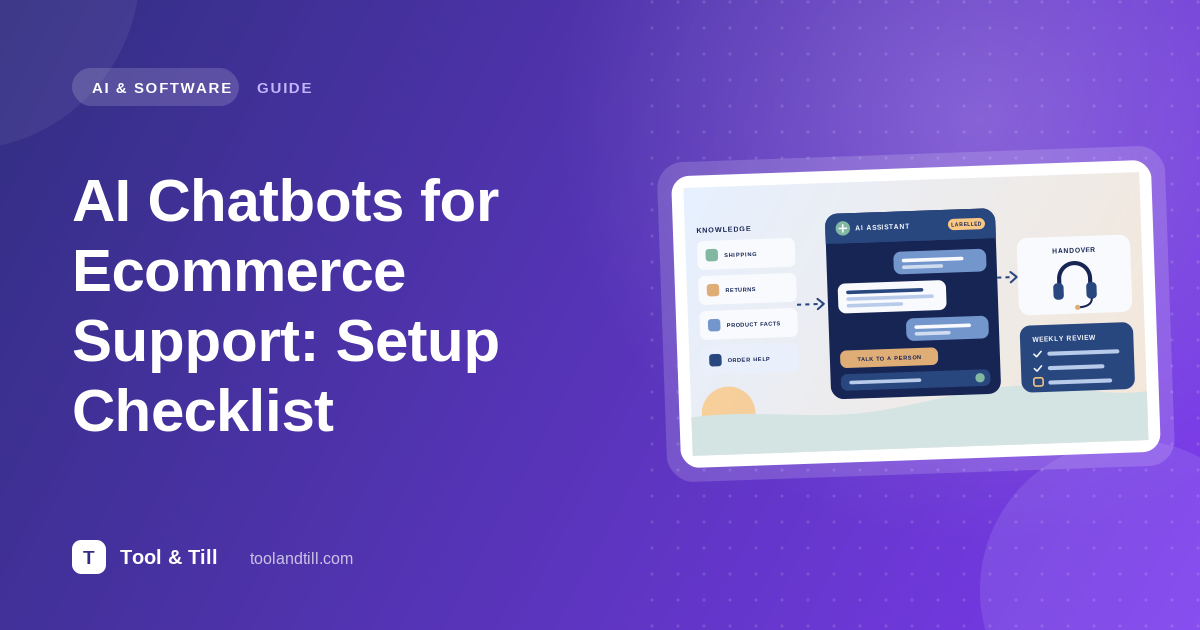
An AI chatbot can answer "where is my order?" at 2 a.m., but it can also confidently tell a customer the wrong return window. The difference between those outcomes is mostly setup: what the bot is allowed to read, which questions it should hand to a person, and how you test it before customers see it.
This checklist walks through that setup for a small online store. It draws on setup documentation from Shopify, Gorgias and Zendesk, plus FTC business guidance, all listed in the sources. The steps apply to most support tools with AI features, but menu names and availability differ by product and plan.
Step 1: Decide what kind of AI help you want
Support tools use AI in different ways, and each carries a different level of risk.
- Suggested replies for your team. Shopify's help center says Shopify Inbox can generate suggested replies with Shopify Magic, based on your store information, which a person reviews before sending. Shopify notes these suggestions are available only in English.
- Pre-written instant answers. Shopify Inbox also offers instant answers: questions and answers you write (Shopify Magic can suggest them from your policies and chat history) that customers can click in the chat window. Shopify's documentation says up to 100 can be shown to customers.
- An AI agent that replies on its own. Gorgias documents an AI Agent, and Zendesk documents AI agents, that answer customers directly using your knowledge sources and hand over to a person when needed.
Start with the least autonomous option that solves your problem. Suggested replies keep a human in the loop while you learn what customers ask.
Step 2: Prepare the knowledge the bot will use
AI support tools answer from the content you give them. Zendesk's documentation says you need help center or knowledge base content before you publish an AI agent, and Gorgias says AI Agent needs at least one knowledge source, such as Help Center articles, your website or Shopify data, before it can be enabled.
Before connecting anything, check:
- Shipping policy: carriers, regions, processing times and what happens with delays
- Returns and refunds: the window, condition rules, who pays return shipping and exceptions
- Product facts: sizes, materials, compatibility and care instructions
- Order help: how to track an order, change an address or cancel
- Contact routes: how to reach a person and when
Shopify's documentation notes that accurate product listings and store content improve suggested replies, and that some content, such as terms of service and privacy policy, is not used for them. If your policies are vague or out of date, the bot will repeat that. Our guide to building a product fact sheet before writing is a good way to clean up product data first.
Step 3: Set handover rules
Handover is the most important setting. Decide in advance which topics a person should always handle.
Gorgias documents handover topics under AI Agent settings and recommends writing each topic the way a customer would phrase it, because the agent uses that description to recognise matching conversations. It also documents a separate rule to stop AI Agent from answering certain tickets at all. Zendesk describes escalation as transferring the conversation to a human when the AI cannot answer, when the customer asks for a person or when the issue is complex, and lets you add an option to talk to a human in the conversation flow.
Topics most small stores hand to a person:
- Refund disputes, chargebacks and damaged items
- Allergy, safety or medical questions about a product
- Custom orders and bulk quotes
- Complaints and anything a customer marks as urgent
- Requests to delete data or close an account
Step 4: Be clear that customers are talking to AI
The FTC's business guidance on AI chatbots warns that its rules against deceptive or unfair practices can apply to businesses that use AI tools in ways that mislead people. A practical step is to label the bot clearly in the chat window, avoid giving it a human name and photo, and make it easy to reach a person.
Also check that the bot does not make promises your policy does not support, such as a refund outside your return window.
Step 5: Test before going live
Gorgias's setup guide recommends testing in its preview before enabling channels, and testing again after any meaningful change. Whatever tool you use:
- Ask your 20 most common customer questions and compare each answer with your policy
- Ask questions the bot should not answer, such as medical advice, and confirm it hands over
- Ask the same question in different words to check consistency
- Test on mobile, where most chat happens
- Check what the customer sees during handover outside business hours
Step 6: Review conversations every week
After launch, read a sample of AI conversations weekly. Zendesk tracks an escalation rate, the share of conversations transferred to a person, which helps you spot topics the bot cannot handle. When an answer is wrong, fix the source content, not just the reply. Shopify notes that editing a suggested reply gives feedback but does not change your store information.
For broader advice on reviewing AI changes in a store, see our guide to Shopify Sidekick store workflows.
Setup checklist
- Choose suggested replies, instant answers or an autonomous agent
- Update shipping, returns and order-help pages before connecting them
- Fill in accurate product facts for top-selling products
- List topics that always go to a person and configure handover
- Label the chat as AI and keep a visible route to a human
- Test common, tricky and out-of-scope questions before launch
- Set out-of-hours handover messages
- Review a sample of conversations weekly and update sources
FAQ
Can a small store use AI support without a helpdesk subscription?
Shopify Inbox includes suggested replies and instant answers in Shopify's own chat tool, according to its help center. Helpdesk platforms such as Gorgias and Zendesk add autonomous AI agents; check each vendor's plan pages for availability.
What should an AI chatbot never answer alone?
Refund disputes, product safety or allergy questions, legal or account-deletion requests and angry complaints are good candidates for automatic handover.
Why does my bot give wrong answers?
Usually because the source content is missing, unclear or out of date. Fix the policy or help article it relies on, then test again.
Do I need to tell customers they are chatting with AI?
The FTC warns against using AI tools in ways that deceive people, so clear labelling is a sensible default. Check local rules if you sell in the UK, Canada or Australia.
About this guide
This guide is based on Shopify, Gorgias and Zendesk documentation and FTC business guidance listed below. We have not tested these chatbots for this article, and it is not a hands-on review of answer quality. Features, languages and plan availability change, so confirm current details with each vendor. It is not legal advice.